 NEWS
NEWS
Apple's Tim Cook, Other CEOs Meet With India's Prime Minister in Washington
 06/26/2017
 2625
2625
Apple CEO Tim Cook was reportedly one of 21 U.S. corporate leaders who attended a roundtable with Indian Prime Minister Narendra Modi in Washington, D.C. on Sunday.
The executives asked Modi about topics like the Indian economy after demonetization, and his "Make in India" program designed to spur local manufacturing, according to The Economic Times. The Prime Minister, meanwhile, made statements of his own, for instance talking about a goods and services tax, and claiming that over 7,000 steps have been taken to make it easier for foreign firms to invest and operate in his country.
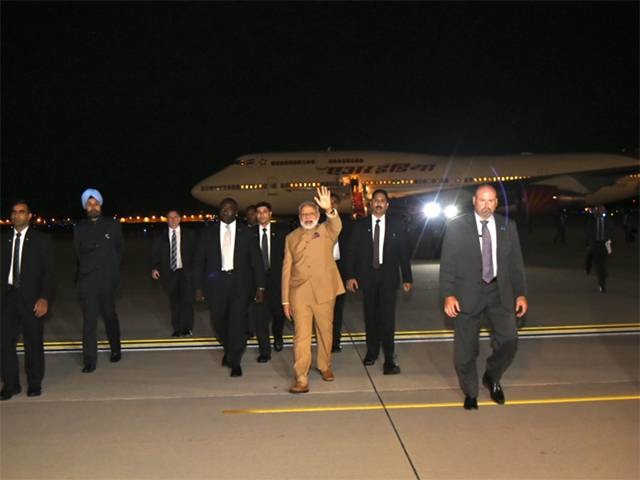
Some other technology executives at the event —hosted at the Willard InterContinental hotel —included Adobe's Shantanu Narayen, Amazon's Jeff Bezos, Cisco's John Chambers, and Google's Sundar Pichai.
On Monday Modi is scheduled to meet with U.S. President Donald Trump, who on Twitter said the pair will discuss "important strategic issues."
Apple currently controls just 3 percent of the Indian smartphone market, mostly as a result of rivals like Samsung beating the company on price. Over 75 percent of the phones sold in the country cost less than $250, and 95 percent less than $500 —well below the price of an iPhone 7.
In March, a 32 gigabyte iPhone 6 went on sale in the region for $435. The iPhone SE can be cheaper though, and may become more affordable thanks to the recent launch of Indian production. Apple reportedly asked for a number of government concessions before setting up shop.
Local assembly should eventually pave the way for the country's first Apple stores, since it will allow the company to meet sourcing requirements for foreign single-brand retailers.
Source: appleinsider










