 NEWS
NEWS
Nearly 67,000 iPhone Users in South Korea Want to Sue Apple
 01/02/2018
 2657
2657
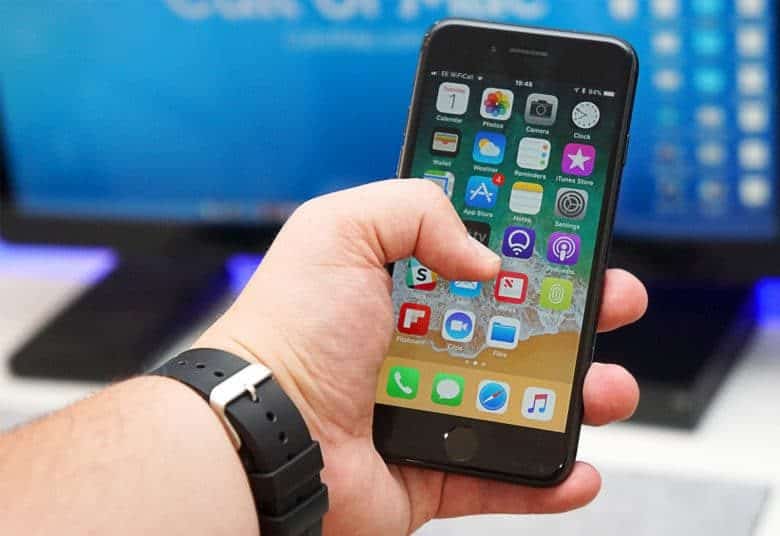
Apple has been the subject of multiple class action lawsuits since admitting that it purposely throttles the speed of older iPhones. However, no lawsuit is quite as big as one that’s brewing in South Korea — where nearly 67,000 iPhone users have applied to join a suit against Apple.
The number of potential plaintiffs reportedly doubled over the course of Friday — from 34,000 applicants in the morning to 66,800 by the end of the working day, claims law firm Hannuri Law.
While Apple has promised to cut the price of battery replacements as a make good, that apparently isn’t enough for affected users.
In a statement made on Friday, Hannuri said that, “Apple did create a compensation plan, but it is too light considering the illegality of its actions and the damage customers had to bear, especially for those who already changed phones instead of replacing batteries.”
Under Korean law, the firm claims that Apple is obligated to inform customers about “all aspects of software upgrades” to allow them to make their purchasing decisions.
As of yet, no lawsuit has been filed, but it could happen in early 2018, once as many people as possible have had the chance to sign up.
Problems in South Korea
This isn’t the first time Apple has run afoul of people in South Korea with the iPhone slowing PR nightmare.
Yesterday we reported that South Korea’s broadcasting and telecom regulator, the Korea Communications Commission, wants an explanation from Apple as to why it purposely slowed down old iPhones.
“We are hoping to get some answers on whether Apple intentionally restricted the performance of old iPhones and tried to hide this from customers,” the KCC said in a statement.
Apple also recently suffered a raid of its offices in Seoul, South Korea, one day ahead of the launch of the iPhone X. No exact reason has been made public, although it reportedly concerned Apple’s business practices in the country.
Source: cult of mac










