 NEWS
NEWS
Electra Jailbreak Tool for iOS 11 – iOS 11.1.2 Updated With Several Bug Fixes and Improvements
 01/26/2018
 2930
2930
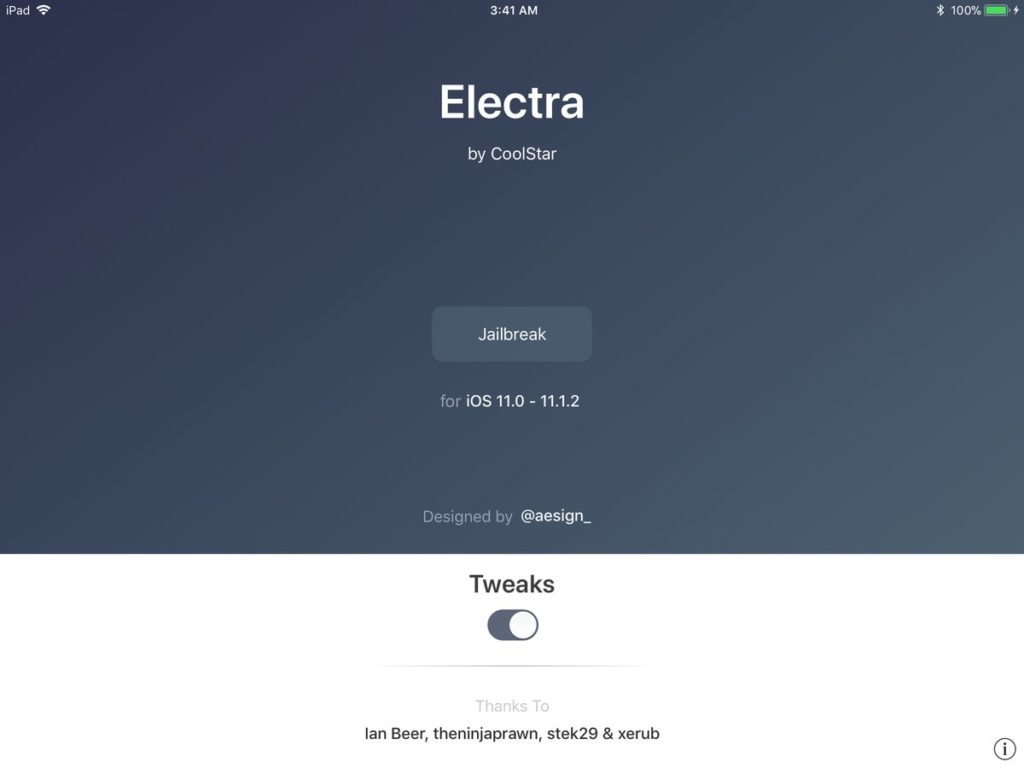
Coolstar has released a new beta version of Electra jailbreak toolkit for iOS 11 – iOS 11.1.2, a jailbreak tool primarily meant for developers to that they can test their jailbreak tweaks and themes.
He has released beta 7 version of the Electra jailbreak tool. Here’s the complete changelog of Electra beta 7 since the last beta version we had covered:
#Update Jan. 26th
Beta 8: (Current)
Sandbox mitigations are now in place so /Library, /private/var/mobile/Library/Preferences and /bootstrap are now accessible to all processes! (stek29, coolstar)
Workaround sandbox mitigations not taking place on apps' first launch (coolstar)
Known Bug: Apps will take longer to launch the first time they're launched after rejailbreaking due to a workaround for another bug w/ unsandboxing not working on first launch
Beta 7 (Current):
amfid now gets re-patched if it ever gets killed (stek29 and coolstar)
clean up amfid patch (stek29)
Add 3d touch shortcut for jailbreaking (ca13ra1)
Beta 6-5 (Current):
Fix a regression in beta 6-4 that would cause launchd to run out of file descriptors
Beta 6-4 (Current):
Don’t make jailbreakd rely on pidlistuptrs bug (thanks stek29)
log dylib load errors in SBInject (thanks stek29)
Clean up launchd payloads (thanks stek29)
Load dylibs alphabetically from SBInject (thanks c0ldra1n)
Check for jailbreakd start before reloading backboardd
Make rejailbreaking significantly faster
Beta 6-3:
Use host special port #4 to get tfp0 in jailbreakd (thanks n_triangle_dev)
Add jailbreakd as a launchd service so it gets restarted if it dies (thanks n_triangle_dev)
Beta 6-2:
Fix kernel memory leak in entitlement injector
Electra includes the Substitute substrate, a Cydia substrate alternative, which was originally developed by Comex, so jailbreakers can install and use jailbreak tweaks that are compatible with iOS 11. It, however, does not include Cydia, so you need to install the tweaks manually.
You can download the latest version of Electra IPA from the official website. You will need to use Cydia Impactor to sideload the Electra IPA and then run the process to jailbreak your iOS device. If you need help then check our tutorial on how to jailbreak iOS 11 – iOS 11.0.2 using Electra Jailbreak toolkit with step-by-step instructions.
You can check our post for the list of iOS 11 – iOS 11.1.2 compatible jailbreak apps and tweaks.
Source: iPhonehacks










