NEWS

App Store Developers Can Now Show Up to 10 Screenshots on Their Product Page

02/23/2018

2146

Apple has upped the screenshot limits for developers today, as announced on the Apple Developer News blog. Apps can now have up to 10 screenshots per device form factor, increased from the previous limit of 5 per device. This change applies to the iOS App Store, tvOS App Store, and watchOS App Store.
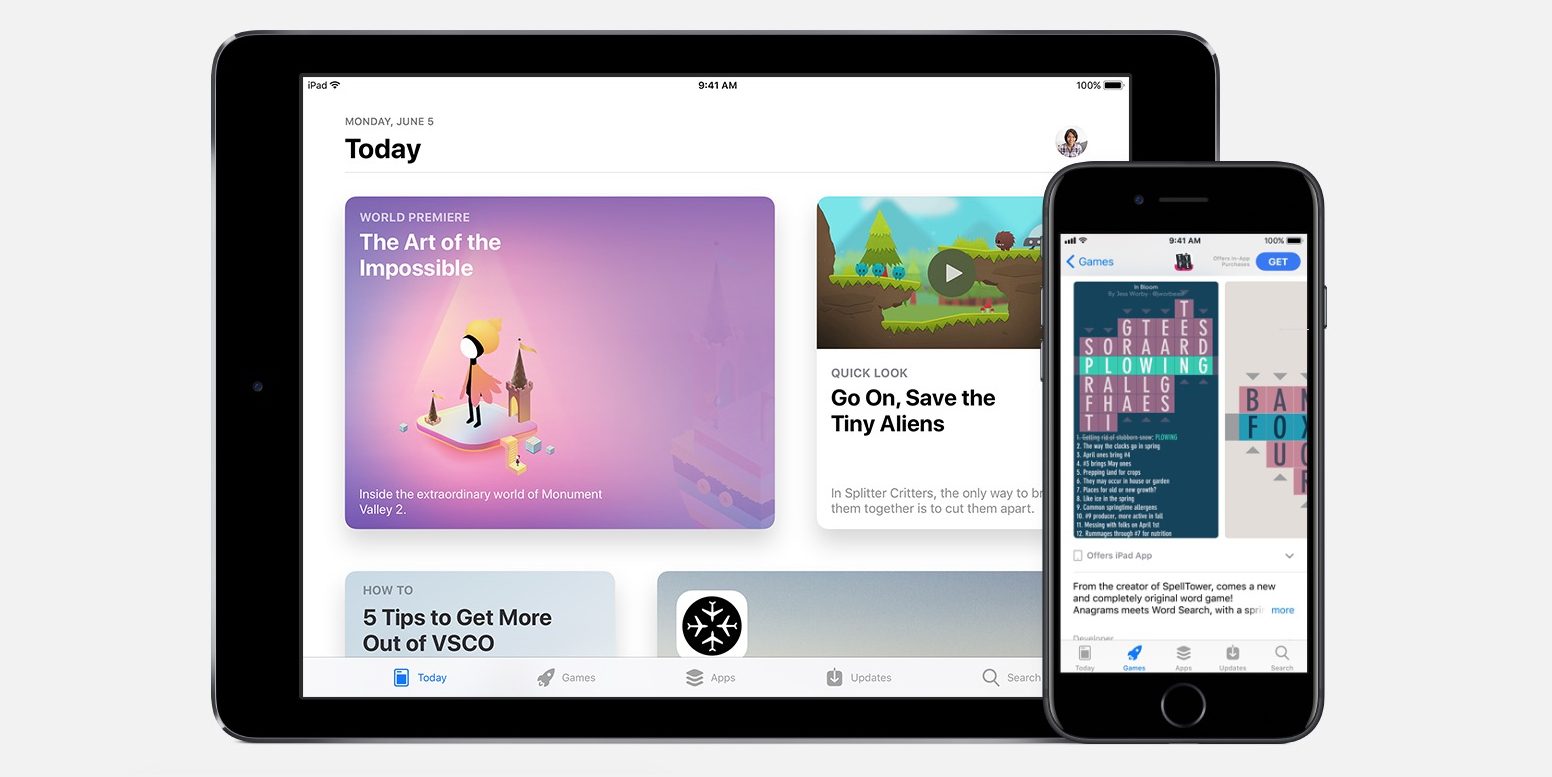

App Store Developers Can Now Show Up to 10 Screenshots on Their Product Page


The number of screenshots displayed in search results is still limited to a maximum of three portrait screenshots or one horizontal screenshot.


This change is small but no doubt welcomed by developers who can now show off more features of their applications from the product page. Customers will be able to get more visual cues about the app they are looking at.


Developers can submit up to 10 screenshots for each device form factor they support, across all the different iOS devices, 1080p and 4K Apple TV resolutions and Apple Watch form factors. This is in addition to up to 3 video previews.


Source: 9to5mac

Windows
Mac OS
iOS
Linux
3uTools
Win 64-bit For this device
V6.0.1 2024-12-18
Download
Win 32-bit For this device
V6.0.1 2024-12-18
Download
3uTools
Intel Chip How to Identify Chip Type
V6.0.1 2024-12-18
Download
Apple Silicon
V6.0.1 2024-12-18
Download
How to Identify Chip Type
1.  Click the Apple icon in the top-left corner of the screen and select About This Mac.
2.  Check the Processor or Chip field to determine if it is "Intel" or "Apple".
Please use the 3uTools PC client to install the iOS client:
1、 Install either the Windows or Mac version of 3uTools on your computer
2、 Open the PC client and connect your device to the computer via USB cable
3、 After the connection is successful, wait for the computer to automatically install the mobile app for the device, or locate “Install Mobile App” on the computer and manually click to install.
3uTools
deb file
V6.0.1 2024-12-18
Download
rpm file
V6.0.1 2024-12-18
Download
Windows
Windows
iOS
iOS
Android
Android
TV
TV
3uAirPlayer
Win 64-bit For this device
V6.0.1 2024-12-18
Download
Win 32-bit For this device
V6.0.1 2024-12-18
Download
iOS Device Mirroring (No App Required)
1、 Install 3uAirPlayer on the Windows PC
2、 Open Control Center and select Screen Mirroring
3、 From the list, choose your PC to start mirroring
4、 Or connect your iOS device to the PC via USB to begin mirroring
Scan to get "3uAirPlayer" App
3uAirPlayer TV V6.0.1
2024-12-18
TV System Requirements: Android 7.0 or later
Download the TV installation package, copy it to a USB drive, insert it into your TV or set-top box, then select the file from the home screen to install.




