NEWS

Apple Celebrates the World Cup Final with Apple․com Overhaul

07/16/2018

2332

Ahead of the World Cup final between France and Croatia, Apple is joining the fun. The company has overhauled both its French and Croatian websites with a short soccer-themed videos…

Apple Celebrates the World Cup Final with Apple․com Overhaul


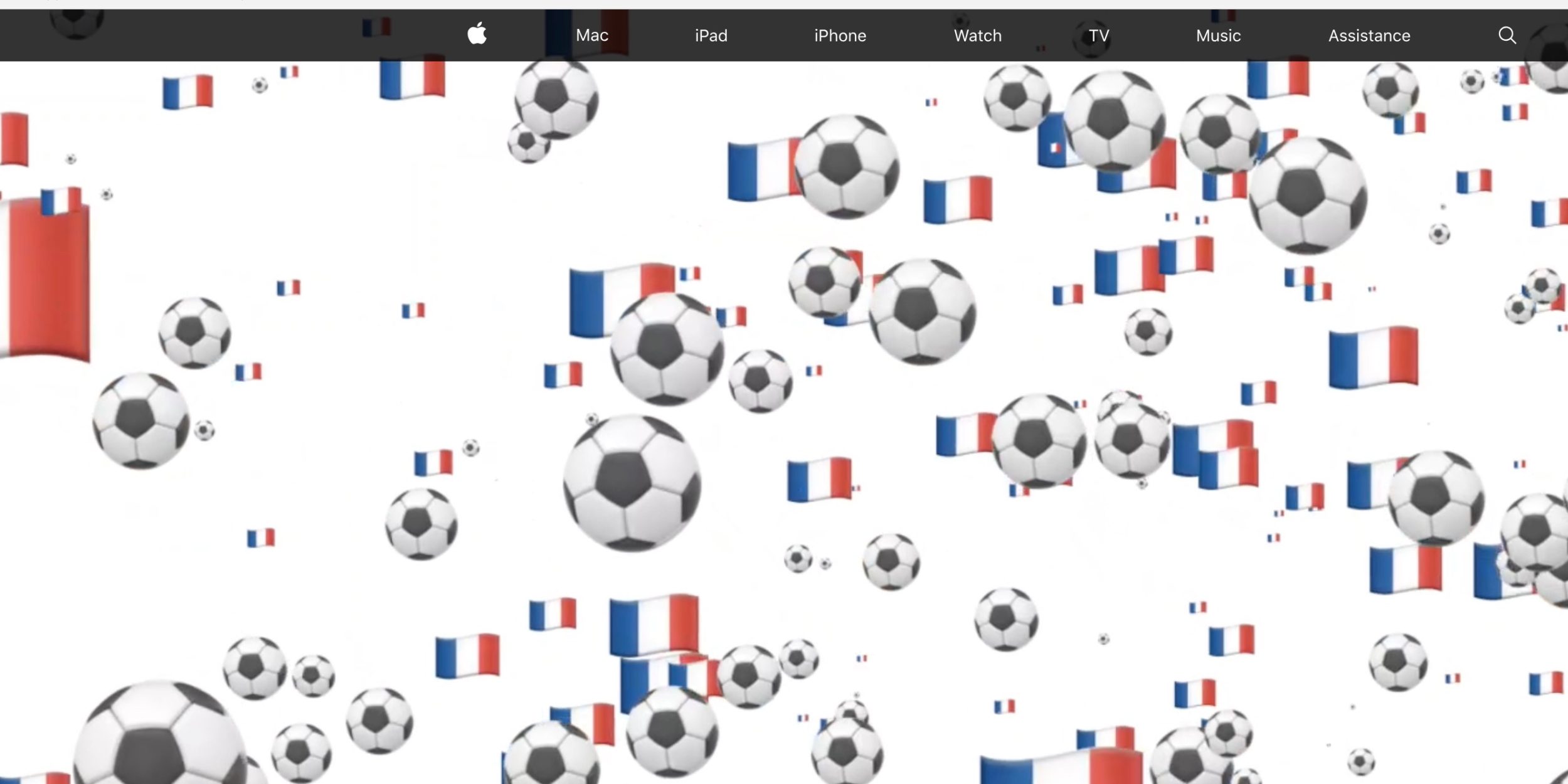
Apple’s homepage in France now plays a short 3-second video featuring floating soccer balls and the French flag. Once the video has played once, the regular Apple homepage appears in seamless fashion.


For Croatian fans, the Apple homepage features a similar design, albeit without the Croatian flag. Instead, we were looking at fire and heart emoji, as well as soccer balls floating around the site.


Apple rarely overhauls its homepage, so it’s clear the company is excited about this big World Cup final. In the past, the Apple․com homepage has been overhauled following the death of Steve Jobs, the Shot on iPhone ad campaign, Global Accessibility Awareness Day, and more.


Apple has gone all out for this year’s World Cup. It added special World Cup features to Siri and Apple News, launched a new ‘Behind the Mac’ campaign, and released a trio of soccer-themed ‘Shot on iPhone’ ads last week. It has also dominated photo opportunities thanks to a prolific number of players wearing AirPods while in transit.


Source: 9to5mac

Windows
Mac OS
iOS
Linux
3uTools
Win 64-bit For this device
V6.0.1 2024-12-18
Download
Win 32-bit For this device
V6.0.1 2024-12-18
Download
3uTools
Intel Chip How to Identify Chip Type
V6.0.1 2024-12-18
Download
Apple Silicon
V6.0.1 2024-12-18
Download
How to Identify Chip Type
1.  Click the Apple icon in the top-left corner of the screen and select About This Mac.
2.  Check the Processor or Chip field to determine if it is "Intel" or "Apple".
Please use the 3uTools PC client to install the iOS client:
1、 Install either the Windows or Mac version of 3uTools on your computer
2、 Open the PC client and connect your device to the computer via USB cable
3、 After the connection is successful, wait for the computer to automatically install the mobile app for the device, or locate “Install Mobile App” on the computer and manually click to install.
3uTools
deb file
V6.0.1 2024-12-18
Download
rpm file
V6.0.1 2024-12-18
Download
Windows
Windows
iOS
iOS
Android
Android
TV
TV
3uAirPlayer
Win 64-bit For this device
V6.0.1 2024-12-18
Download
Win 32-bit For this device
V6.0.1 2024-12-18
Download
iOS Device Mirroring (No App Required)
1、 Install 3uAirPlayer on the Windows PC
2、 Open Control Center and select Screen Mirroring
3、 From the list, choose your PC to start mirroring
4、 Or connect your iOS device to the PC via USB to begin mirroring
Scan to get "3uAirPlayer" App
3uAirPlayer TV V6.0.1
2024-12-18
TV System Requirements: Android 7.0 or later
Download the TV installation package, copy it to a USB drive, insert it into your TV or set-top box, then select the file from the home screen to install.




