NEWS

These are the 18 best iOS Apps with Dark Mode, According to Apple

07/24/2018

2396

These are the 18 best iOS Apps with Dark Mode, According to Apple


As part of iOS 11 last year, Apple completely redesigned the App Store with a focus on curation from human editors. As part of this curation, Apple’s editors create lists of the best application in certain categories every day.


One of the more recent lists centers around the the best apps with a dark mode option…


As noted by Business Insider, Apple’s team rounded up 16 apps with dark mode into a daily list entitled “Does This App Come In Black?”.


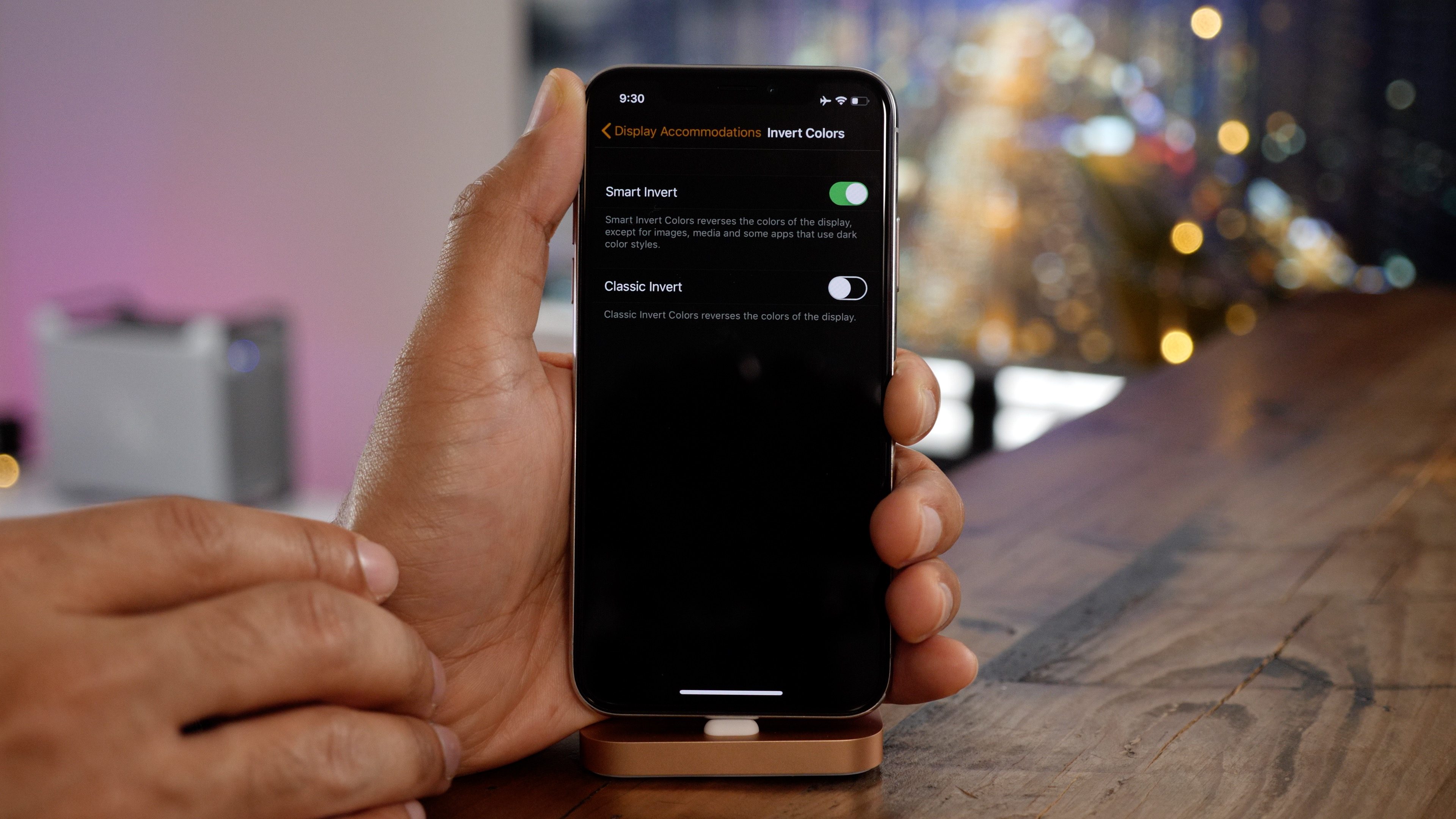
The list includes 16 applications that offer dark mode option – or as Apple calls it a “pure black mode.” This applications range from text editors to RSS readers and much more.


While iOS 12 does not include a system-level dark mode, applications that do have gained popularity especially since the launch of the iPhone X. Because the iPhone X uses an OLED screen, it is able to take better advantage of dark-themed application.


Furthermore, whether Apple likes it or not, apps with dark mode do a good job at hiding the iPhone X’s notch.


Here are the 16 best applications with a “pure black mode,” according to Apple’s App Store editors:


You can view Apple’s full App Store feature page for this feature right here


Windows
Mac OS
iOS
Linux
3uTools
Win 64-bit For this device
V6.0.1 2024-12-18
Download
Win 32-bit For this device
V6.0.1 2024-12-18
Download
3uTools
Intel Chip How to Identify Chip Type
V6.0.1 2024-12-18
Download
Apple Silicon
V6.0.1 2024-12-18
Download
How to Identify Chip Type
1.  Click the Apple icon in the top-left corner of the screen and select About This Mac.
2.  Check the Processor or Chip field to determine if it is "Intel" or "Apple".
Please use the 3uTools PC client to install the iOS client:
1、 Install either the Windows or Mac version of 3uTools on your computer
2、 Open the PC client and connect your device to the computer via USB cable
3、 After the connection is successful, wait for the computer to automatically install the mobile app for the device, or locate “Install Mobile App” on the computer and manually click to install.
3uTools
deb file
V6.0.1 2024-12-18
Download
rpm file
V6.0.1 2024-12-18
Download
Windows
Windows
iOS
iOS
Android
Android
TV
TV
3uAirPlayer
Win 64-bit For this device
V6.0.1 2024-12-18
Download
Win 32-bit For this device
V6.0.1 2024-12-18
Download
iOS Device Mirroring (No App Required)
1、 Install 3uAirPlayer on the Windows PC
2、 Open Control Center and select Screen Mirroring
3、 From the list, choose your PC to start mirroring
4、 Or connect your iOS device to the PC via USB to begin mirroring
Scan to get "3uAirPlayer" App
3uAirPlayer TV V6.0.1
2024-12-18
TV System Requirements: Android 7.0 or later
Download the TV installation package, copy it to a USB drive, insert it into your TV or set-top box, then select the file from the home screen to install.