NEWS

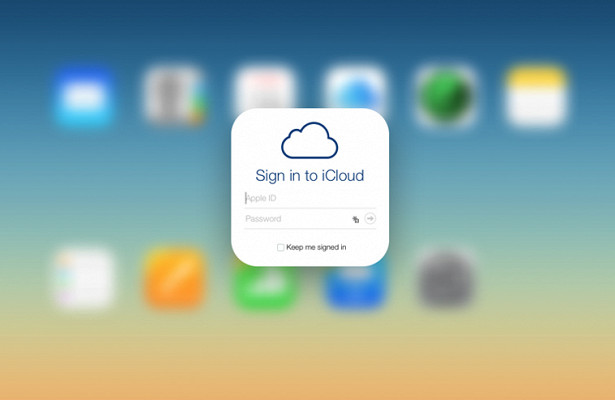
Apple Plans to Improve Apple ID and iCloud

08/13/2018

2991

Apple Plans to Improve Apple ID and iCloud


In the powers of the future of Apple employee will include development of interfaces for iCloud and Apple ID.


Apple plans to improve Apple ID and iCloudНесмотря on the regular release of new versions of iOS and macOS, Apple very long ago did not undertake a radical update of the iCloud service and not added new features for accounts Apple ID.


It seems that soon everything can change. On the website Jobs.apple.com there is a vacancy of the designer, who has to deal with iCloud.


In the powers of the future of Apple employee will include development of interfaces for iCloud and Apple ID. The main condition is the creation of a friendly and intuitive user interface.


Requirements for candidates: experience in interface design from five years of deep knowledge in the field of building design of operating systems iOS and macOS, the possession of an office Suite, Keynote, Photoshop and other design tools.


About potential salary word. All in the spirit of Apple.


Source: micetimes

Windows
Mac OS
iOS
Linux
3uTools
Win 64-bit For this device
V6.0.1 2024-12-18
Download
Win 32-bit For this device
V6.0.1 2024-12-18
Download
3uTools
Intel Chip How to Identify Chip Type
V6.0.1 2024-12-18
Download
Apple Silicon
V6.0.1 2024-12-18
Download
How to Identify Chip Type
1.  Click the Apple icon in the top-left corner of the screen and select About This Mac.
2.  Check the Processor or Chip field to determine if it is "Intel" or "Apple".
Please use the 3uTools PC client to install the iOS client:
1、 Install either the Windows or Mac version of 3uTools on your computer
2、 Open the PC client and connect your device to the computer via USB cable
3、 After the connection is successful, wait for the computer to automatically install the mobile app for the device, or locate “Install Mobile App” on the computer and manually click to install.
3uTools
deb file
V6.0.1 2024-12-18
Download
rpm file
V6.0.1 2024-12-18
Download
Windows
Windows
iOS
iOS
Android
Android
TV
TV
3uAirPlayer
Win 64-bit For this device
V6.0.1 2024-12-18
Download
Win 32-bit For this device
V6.0.1 2024-12-18
Download
iOS Device Mirroring (No App Required)
1、 Install 3uAirPlayer on the Windows PC
2、 Open Control Center and select Screen Mirroring
3、 From the list, choose your PC to start mirroring
4、 Or connect your iOS device to the PC via USB to begin mirroring
Scan to get "3uAirPlayer" App
3uAirPlayer TV V6.0.1
2024-12-18
TV System Requirements: Android 7.0 or later
Download the TV installation package, copy it to a USB drive, insert it into your TV or set-top box, then select the file from the home screen to install.