 NEWS
NEWS
Persistent Hacker Converts iPhone 7 to Wireless Charging
 08/24/2018
 3521
3521
Scotty Allen, who describes his work as “Adventures from the Technological Fringe,” pulled off another DIY feat by bringing wireless charging to an old iPhone 7.
True to the word adventure, the task was not effortless for the YouTube host, whose channel is called “Strange Parts.” It took Allen a couple of failed attempts before he could deliver on the hack requested several times by followers.
For his show, Allen mines the shops of an electronics district in Huaqiangbei, Shenzhen in China searching for parts to fearlessly accomplish some rather creative projects. In previous episodes, he built an iPhone from scratch. He has also taken a broken iPhone memory chip and turned it into a USB thumb drive.
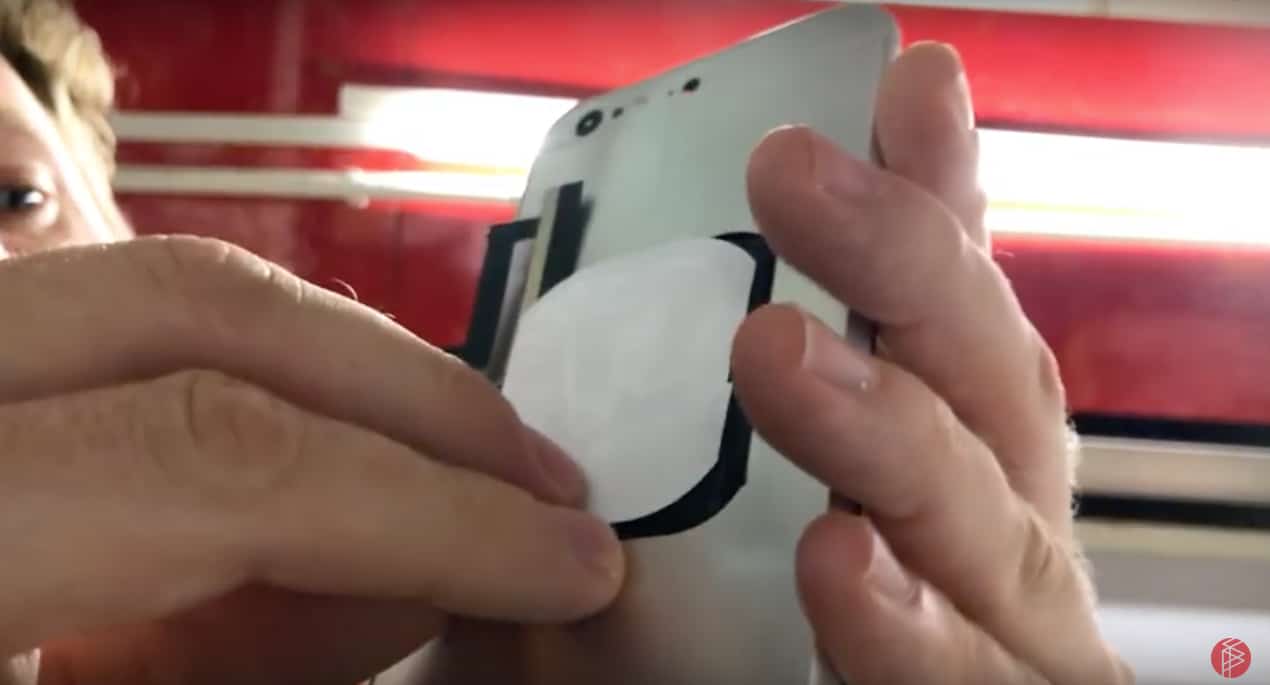
Allen avoided trying the wireless hack for a while because he thought it would be too difficult. But he rose to the challenge after he was contacted by a vendor who makes conversion kits to wirelessly charge old iPhones.
How long it took Allen to get through various glitches and connections issues before succeeding is not clear, but he shows an edited version of the process in the nearly 40-minute video below.
He also has a kit available for $70 (iPhone 7 only) on his “Strange Parts” website, but he advises “do not try this on your only phone.”
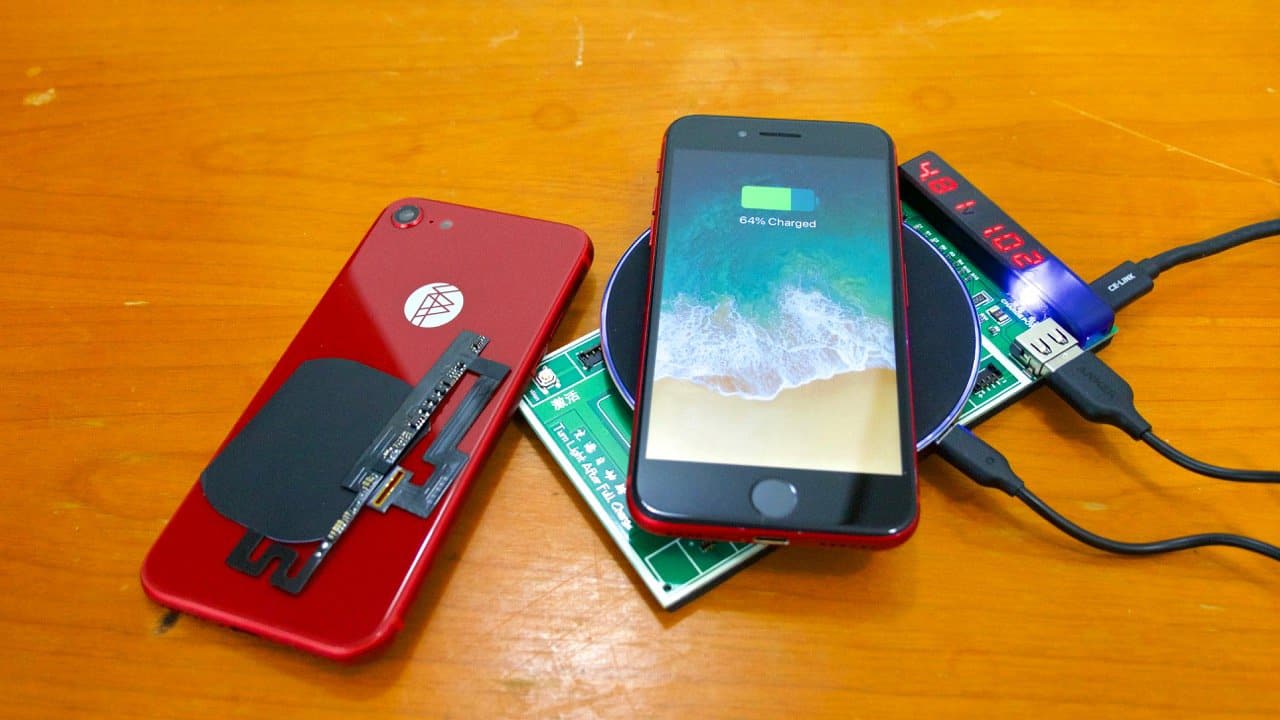
“I can’t accept any responsibility if you break your phone while attempting to install this, nor can I help you get replacement parts,” Allen says on his website. “This kit is for adventurous souls only It’s an alpha version – as you saw from the video, it’s a bit challenging to get working, and we’re still continuing to refine the installation process.”
Source: cult of mac










