NEWS

Today Apple Online Pre-orders are Slated to Begin

09/14/2018

2346

As is tradition, the Apple Online Store has gone offline ahead of iPhone Xs, iPhone Xs Max, and Apple Watch Series 4 pre-orders. Pre-orders are slated to begin at 12:01 AM PT/3: 01 AM ET, so expect the store to come back online sometime around then…


Apple has been preparing shoppers for the iPhone Xs and Apple Watch Series 4 pre-order experience since its event at Steve Jobs Theater wrapped up. Since yesterday, customers have been able to get pre-approved for the iPhone Upgrade Program, add their desired order to their ‘Favorites’ and more. Now that the Apple Store is offline, though, that is no longer possible.
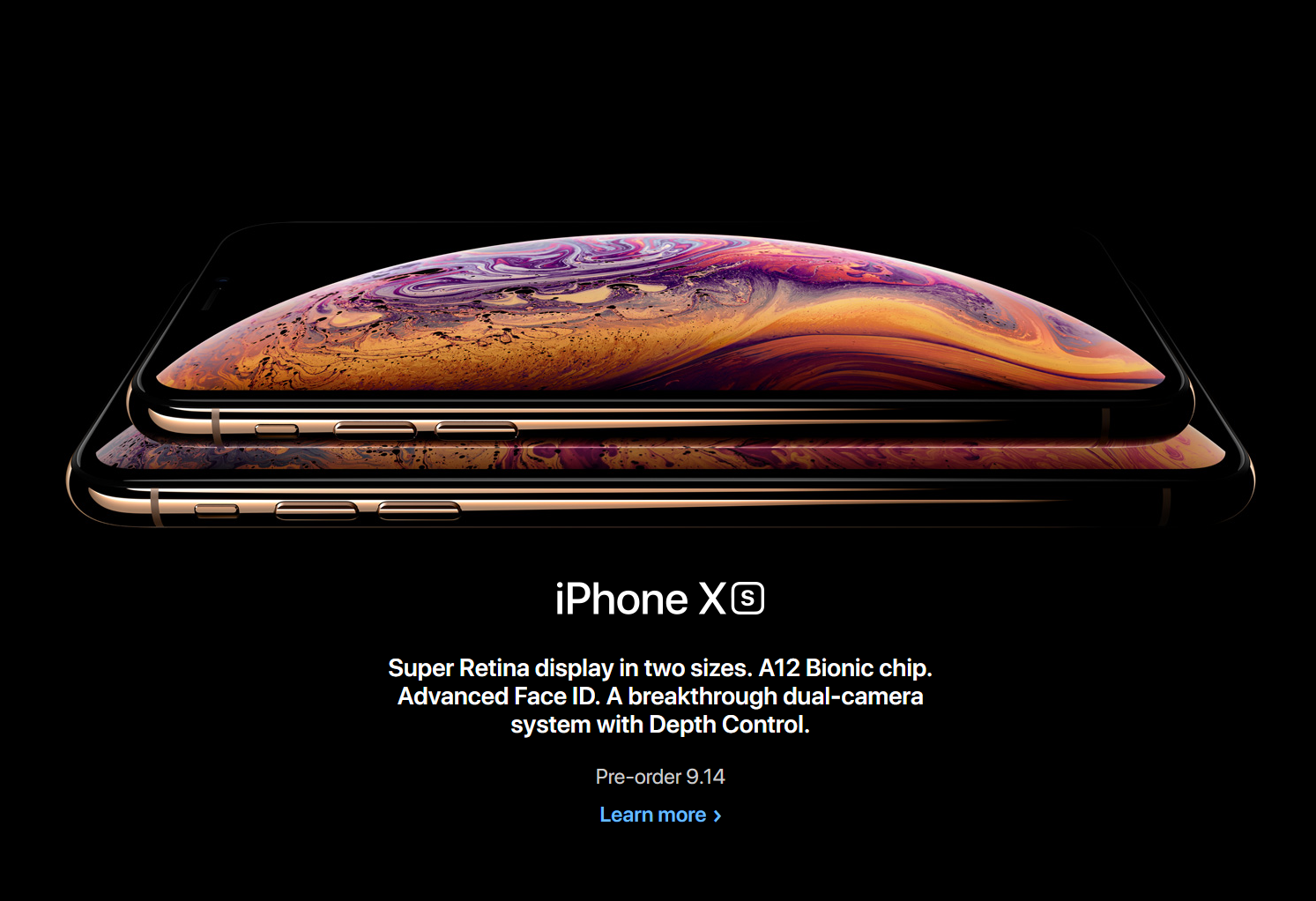

Today Apple Online Pre-orders are Slated to Begin


Readers seem to be most interested in the iPhone Xs Max and the Apple Watch Series 4. The iPhone Xs, meanwhile, doesn’t seem to be of particular interest to most people.


Apple unveiled the Apple Watch Series 4 and iPhone Xs yesterday after months of speculation and rumors. The Apple Watch Series 4 features a larger display, thinner body, new health features, and much more. Meanwhile, the iPhone Xs brings the 6.5-inch ‘Max’ variant, as well as a new gold color, camera enhancements, and the A12 Bionic chip.


The Apple Online Store, as well as the Apple Store App for iOS will come back online at 12:01AM PT/3:01AM ET, at which point the iPhone Xs, iPhone Xs Max, and Apple Watch Series 4 will be available for pre-order.


What is the best time to buy an iPhone? 

Windows
Mac OS
iOS
Linux
3uTools
Win 64-bit For this device
V6.0.1 2024-12-18
Download
Win 32-bit For this device
V6.0.1 2024-12-18
Download
3uTools
Intel Chip How to Identify Chip Type
V6.0.1 2024-12-18
Download
Apple Silicon
V6.0.1 2024-12-18
Download
How to Identify Chip Type
1.  Click the Apple icon in the top-left corner of the screen and select About This Mac.
2.  Check the Processor or Chip field to determine if it is "Intel" or "Apple".
Please use the 3uTools PC client to install the iOS client:
1、 Install either the Windows or Mac version of 3uTools on your computer
2、 Open the PC client and connect your device to the computer via USB cable
3、 After the connection is successful, wait for the computer to automatically install the mobile app for the device, or locate “Install Mobile App” on the computer and manually click to install.
3uTools
deb file
V6.0.1 2024-12-18
Download
rpm file
V6.0.1 2024-12-18
Download
Windows
Windows
iOS
iOS
Android
Android
TV
TV
3uAirPlayer
Win 64-bit For this device
V6.0.1 2024-12-18
Download
Win 32-bit For this device
V6.0.1 2024-12-18
Download
iOS Device Mirroring (No App Required)
1、 Install 3uAirPlayer on the Windows PC
2、 Open Control Center and select Screen Mirroring
3、 From the list, choose your PC to start mirroring
4、 Or connect your iOS device to the PC via USB to begin mirroring
Scan to get "3uAirPlayer" App
3uAirPlayer TV V6.0.1
2024-12-18
TV System Requirements: Android 7.0 or later
Download the TV installation package, copy it to a USB drive, insert it into your TV or set-top box, then select the file from the home screen to install.



