 NEWS
NEWS
Amazon is Kicking All Unauthorized Apple Refurbishers off Amazon Marketplace
 11/12/2018
 2266
2266
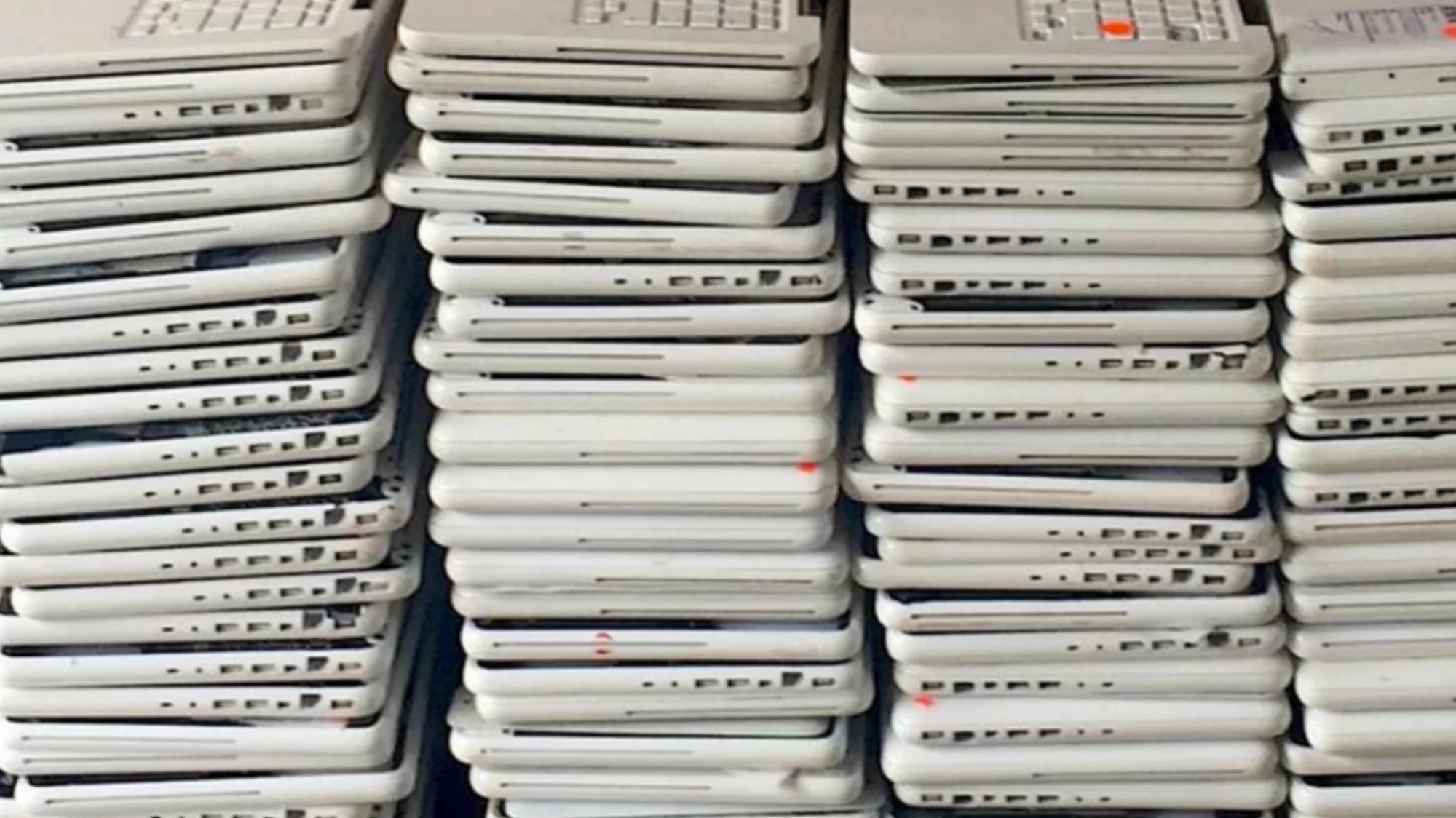
In a deal struck with Apple to being selling the newest Apple products through its online store, Amazon has announced they will ban unauthorized third-party sellers from listing or selling Apple products through Amazon. While sellers can become an authorized Apple reseller, the qualifications are far out of reach for most small businesses. This move will inevitably kill many small businesses and Apple resellers that rely on Amazon as a storefront.
Apple recently struck a deal with Amazon to expand its product line sold through Amazon’s online store. This deal includes an agreement to bring new Apple and Beats products to Amazon. In return, Amazon must begin removing all “non-authorized” third-party Apple resellers from its online stores serving the United States, the United Kingdom, India, Japan, and several large EU countries.
This move is sending shockwaves through the electronics retail industry, especially for smaller businesses. In order to sell used or refurbished Apple products, businesses have to apply to become an Authorized Apple Reseller and meet a fairly stringent list of requirements. One of these requirements includes purchasing a minimum amount of product directly from Apple each year.
Many small business owners received a shock to their businesses when the decision was announced. Many resellers that have used Amazon’s Marketplace to sell repaired or refurbished Apple devices received an email stating that their business would be removed from Amazon’s platform no later than January 4th, 2019. This gives many small businesses that rely on Amazon as the basis of their retail sales a little less than two months to find a new avenue for sales.
Ultimately, it’s up to Apple to determine who can become an “Authorized Apple Reseller” or “Authorized Apple Service Provider.” That means that even if a small business meets all of Apple’s criteria, Apple can still deny their application. The Service Provider program itself is highly restrictive; Apple dictates which products Authorized Service Providers can repair and sell, and the program comes with inventory requirements and fees paid to Apple.
Alternatively, businesses can go through Amazon’s Renewed sales program to become a certified refurbisher and sell used or repaired Apple products, but the qualifications are even steeper. Amazon requires that businesses purchase at least US $2.5 million of Apple products every 90 days, and these products must be purchased from “national Wireless carrier or retailer with over $5 billion in annual sales.” Some examples listed include Verizon, AT&T, Target, and Apple themselves. It seems that these requirements only apply to those wishing to sell Apple-branded products.
In short, if small businesses aren’t accepted into Apple’s own reseller program, their only other recourse is to apply for Amazon’s program, which requires them to purchase $10 million worth of Apple product every year or find another sales platform. Otherwise, they may have to shut their doors.
Source: motherboard










