 NEWS
NEWS
Developer Shows a Jailbroken iPhone X on iOS 13.1.1 Achieved by a new Exploit
 09/30/2019
 3123
3123
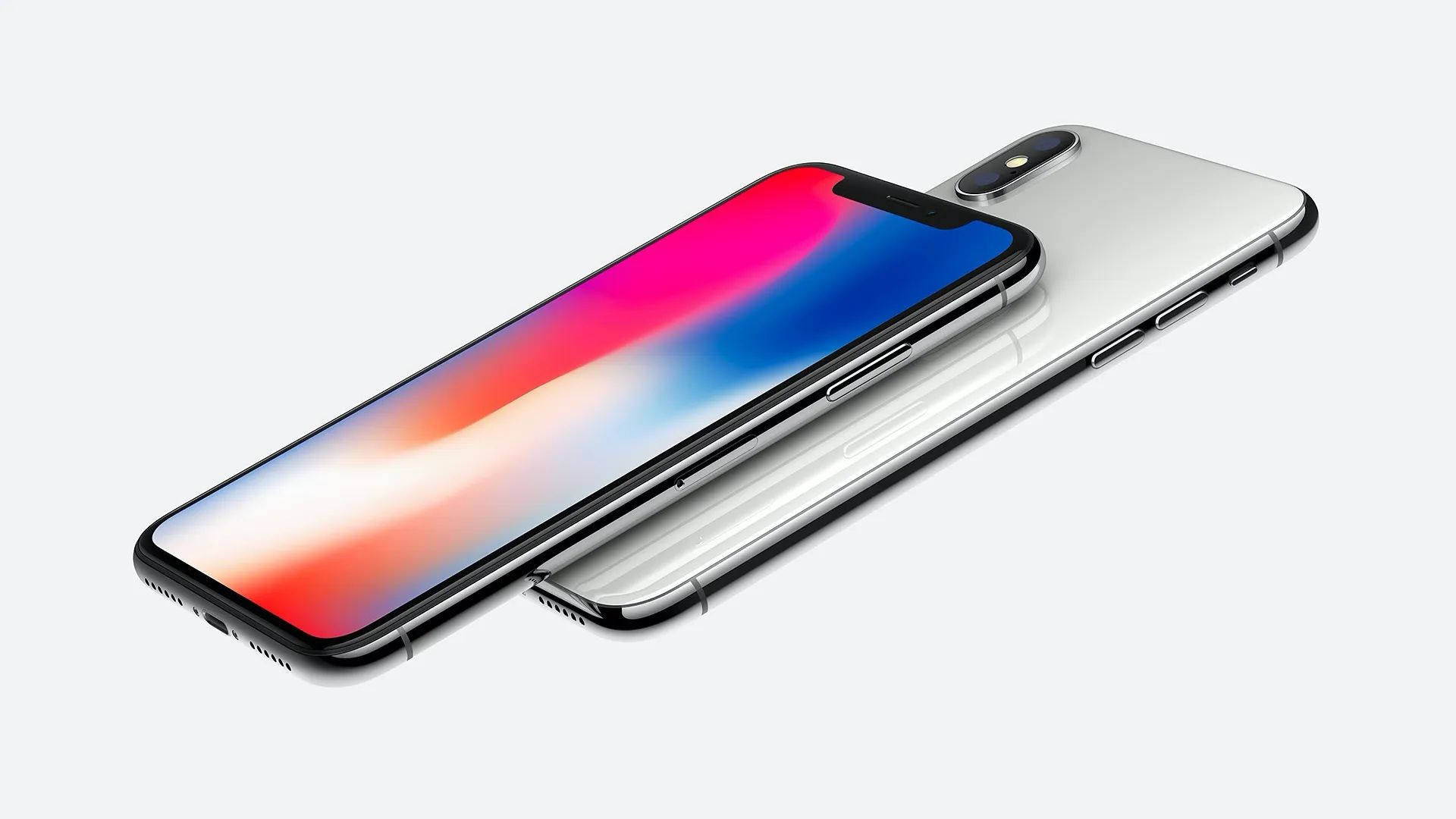
Developer and hacker Axi0mX recently shared a new exploit called “checkm8” that offers the possibility to jailbreak almost every Apple A-series CPU up to A11 Bionic chip. Today, the developer has posted a video that shows an iPhone X (which runs on A11 chip) booting up in verbose mode — something that is only possible with more profound modifications to the core of the system.
If you’re not used to jailbreaking, it generally refers to the removal of iOS software restrictions on Apple devices to install apps outside the App Store and even modify the entire system.
According to his description of the process, it took only two seconds to jailbreak the device using this new exploit. Interestingly, the iPhone is running iOS 13.1.1, which is the latest version of Apple’s operating system that was released last week for all users. For now, they’re using a semi-tethered method, which requires a computer to reload system modifications at every reboot. Untethered jailbreaks are most desired as they can boot without a computer like normal iPhones.
However, the most important thing to notice about “checkm8” is the fact that Axi0mX calls it “unpatchable” since it’s based on a hardware exploit. That means Apple can’t simply patch it with a software update. For users, that makes this jailbreak a reality for those devices, even if they’re running the latest version of iOS.
There is still a way ahead for developers to create a functional jailbreak tool that quickly injects this code with applications like Cydia on a device, but it’s a real start, and it looks like it won’t be long before someone achieves it.
Source: 9to5mac










