 NEWS
NEWS
Will iOS 11 Feature A More Natural Sounding Siri?
 11/04/2016
 2969
2969
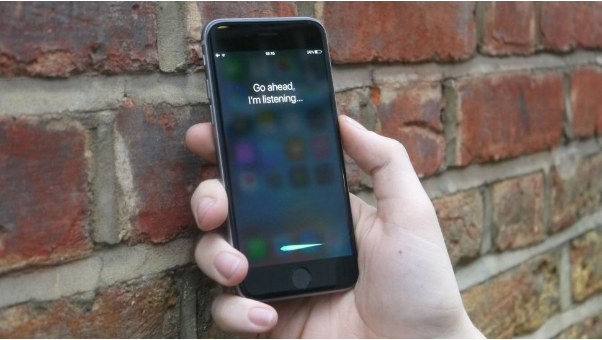
It appears Siri is going back to school, as a report claims Apple has a secret office in Cambridge committed to improving the AI's diction.
A small team of less than 30 Apple staff have set up shop in an unmarked office near the University of Cambridge, just a short jaunt from the university's botanical garden, according to Business Insider.
Well, the report claims that the secret Cambridge team features members of VocalIQ, a startup bought by Apple last year that works on vocal recognition software.
The company's goal could possibly be improving Siri's ability to understand everyday human speech - making it more natural to interact with, and cutting out that stilted style we often use when talking to computers.
Should this be the case, we wouldn't be surprised if the next iteration of iOS, iOS 11, or possibly the iPhone 8, comes with a beefed-up Siri capable of fluid conversations.
The Spoken Heard
Apple isn't the only one picking up on this trend, as Google's own take on the personal AI, Google Assistant, is currently going through the motions to cut down latency and even crack a joke here and there to make conversations with computerized companion more relaxed.
Google also made huge strides with its WaveNet technology, utilizing special phonetic tricks to make words spoken by a computer match the cadence and inflection of an actual, IRL human being.
Additionally, Microsoft broke ground last month when it reported it created the first AI capable of understanding speech at human parity, meaning it makes the same number of errors listening to someone talk as a person.
Microsoft adds that its hat in the digital assistant ring, Cortana, is a high potential for the technology, which could force other companies to step up how customers vocally interact with their AIs.










