 NEWS
NEWS
iPhone SE Won´t Receive A Refresh In March 2017
 11/07/2016
 3070
3070
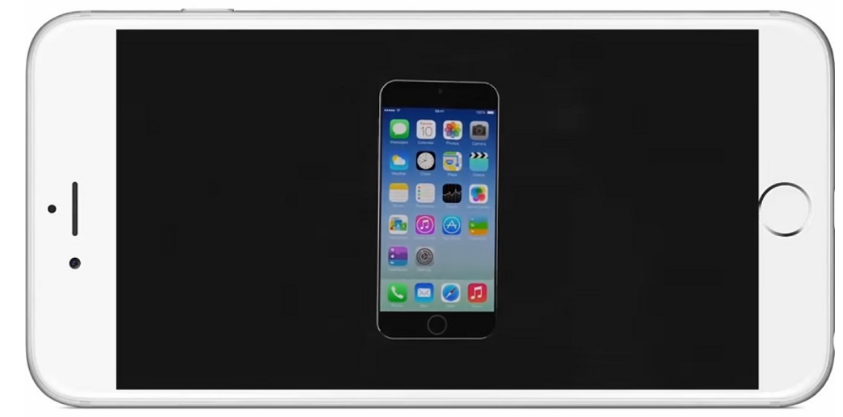
iPhone SE users will to wait more months than expected to get the expected upgrade for the device, since it was reported by KGI Securities analyst Ming-Chi Kuo that Apple will not apply an annual refresh for this mobile devices, since the company wants to its lifecycle beyond the usual one year rotation, in order to prevent a cannibalization of the iPhone 7.
A Reasonable Strategy
Although this is risky move that might face a bitter reaction from iPhone SE lovers, this strategy will boost sales from the company´s premium devices, in order to increase its revenues and solidify its position in the market. In fact, Apple is betting a lot in the iPhone 7 and 8, in order to take advantage of Samsung´s situation and become the biggest smartphone maker in the world.
According to the International Business Times, Kuo noted that an upgrade might come later next year, since there´s not much hopes for a next-gen iPhone SE model to see a launch in the second fiscal quarter of 2017, ending in March. Apparently, it was also known that the company´s decision of not refreshing the iPhone SE is because the main goal is to margin guidance for the current fiscal quarter of 2017.
The iPhone SE Has A Huge Following In Many Regions Around The World
Apple said it anticipates gross margins between 38 percent and 38.5 percent for the three.month period ending in December, below consensus of more than 39 percent and down from 40.1 percent last year, as reported by Apple Insider. In fact, the Cupertino tech giant has been putting pressure on component manufacturers to reduce prices, in order to goose profits.
If the company succeeds to achieve these goals, it could mean another great moment for Apple, giving the fact that it could be ahead of its main competitors in the phone business -Samsung and Huawei- who are also having important plans for achieving a higher position in the market next year.
However, it is important for Apple to keep the iPhone SE being something great for its users, and look for an strategy to prevent it sales reduction, since the technology analytics company Kantar, this smartphone has been so well accepted in many countries around the world, that it became the most popular mobile device in the U.K. in the second quarter of 2016, outselling iPhone 6S and Galaxy S7.
Source: iTechPost










