 NEWS
NEWS
How Apple's iPhone 7 Plus Melds Two Cameras into One?
 11/10/2016
 2627
2627
You might think the dual cameras in Apple's iPhone 7 Plus aren't that complicated. It's like having two regular cameras slung over your shoulder, one for wide-angle shots, the other for zooming in on subjects farther away, right?
Wrong.
Apple's approach uses both cameras at the same time. The iPhone 7 Plus blends its two cameras into one, drawing on each camera's virtues and sidestepping their weaknesses to try to get the best image possible.
That lets the telephoto lens sharpen some wider-angle photos. But it also can mean limits you might not expect -- like the effective loss of that second camera when you're shooting in dim conditions.
With screen sizes settling down and processor speeds leveling out, it's harder these days to convince customers that the latest phone is a big step up. But one area that continues to draw interest is a phone's camera because it captures your most personal moments and lets you share them with friends and family. By throwing away some traditional aspects of digital camera design, Apple's dual-camera approach shows there's still room for significant improvements when it comes to photography.
Apple devoted 15 minutes to the iPhone 7 and iPhone 7 Plus cameras-- a full eighth of its two-hour event -- to launch the new iPhone and the Apple Watch Series 2. Phil Schiller, Apple's senior vice president of worldwide marketing, didn't hold back: "This is the best camera ever made in any smartphone."
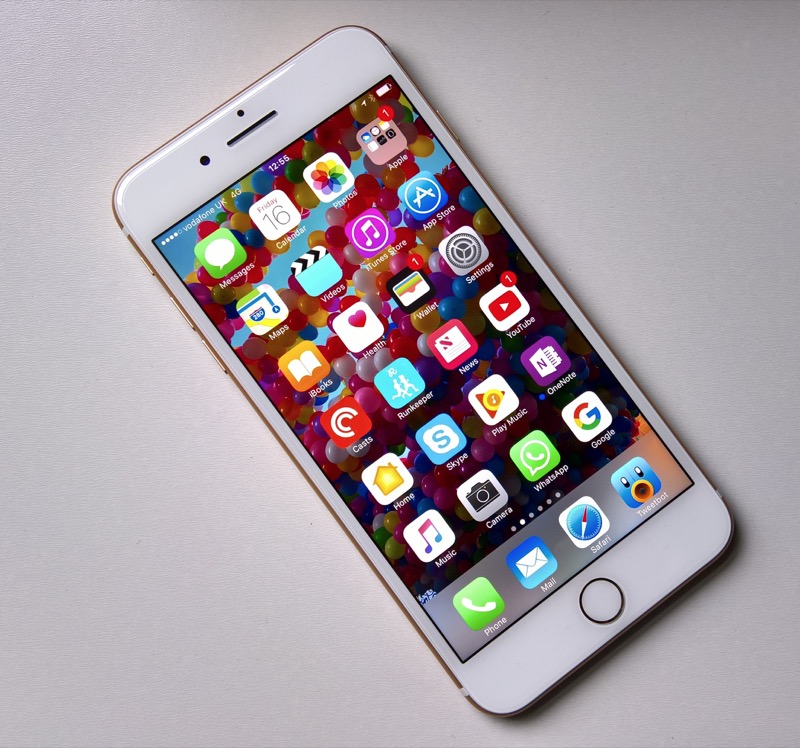
When your iPhone 7 Plus acts like an iPhone 7
The iPhone 7 and 7 Plus each come with a wide-angle camera, the equivalent of a 28mm focal length on a traditional SLR camera. The iPhone 7 Plus adds the longer 56mm equivalent camera to magnify more distant subjects and to zoom into a face for a portrait. (The iPhone 7 Plus' two identical image sensors are much smaller than those of a full-frame SLR; their lenses' actual focal lengths are 3.99mm and 6.6mm.)
When you're shooting between 1.5x zoom and 1.99x zoom, the iPhone 7 Plus doesn't just digitally magnify the pixels from the wide-angle lens. It also can blend higher-resolution imagery from the telephoto lens into the central portion of the frame -- an approach Apple internally calls "fusion."
You still get a 12-megapixel image. But the second camera can provide sharper detail to avoid digital zoom muddiness.
It's the kind of clever trick that's unthinkable with traditional digital cameras, models whose single image sensor is more technologically similar to the film days. But computational photography, in which computer processing and not just optics is instrumental in capturing a photo, is steadily maturing.
Computational photography
Computational photography already blends multiple shots into a single high-dynamic range (HDR) photo that can capture a scene like we remember it, with details in both the shadows and bright areas. And it can compensate for lens problems, like the distortion that can make parallel lines bow out like the sides of a barrel. Expect more developments in the field.
Source:CNET










