 NEWS
NEWS
Apple Leak Reveals Massive New iPhone Cancellation
 11/10/2016
 2739
2739
The KGI Securities analyst (widely regarded as “the best Apple AAPL -0.11% analyst on the planet”) has revealed Apple has decided cancel the annual upgrade of arguably its most successful iPhone in 2016…
In a new research note obtained by MacRumors, Kuo says Apple has decided not to release a 2017 update of the iPhone SE. The company’s budget friendly 4-inch handset has been a surprise critical and commercial hit and I recently argued it is a better buy than the iPhone 7.
So why would Apple consider such a self inflicted wound? According to Kuo the reasoning is twofold:
1. To increase margins on the 2016 iPhone SE as its older components reduce in price
2. To reduce risk of cannibalisation that a 2017 iPhone SE could have on sales of the more profitable iPhone 7
It is well known that Apple is far more interested in profit share than market share, so on a business level both these reasons make financial sense. Given concerns over iPhone 7 sales, it also wouldn’t be great PR if future financial reports forced Apple to admit the iPhone 7 was impacted because customers preferred the company’s budget model.
The flipside is Kuo says the decision to ditch a new iPhone SE will impact raw sales figures.
Notably he forecasts iPhone shipments will drop at least 10% in the second quarter of 2017 with sales at circa 35M compared to 40.4M in the second quarter of 2016. Kuo notes that the 2016 second quarter was saved due to “upbeat demand for the iPhone SE.”
There is certainly precedent for Apple’s actions here.
The company has previously skipped iPad generations and many years of MacBook Pro upgrades when it has deemed existing models still get the job done. But it would be a first to see Apple passover an iPhone, even if it ties in with the company’s recent claim that customers are increasingly moving to a three year upgrade model.
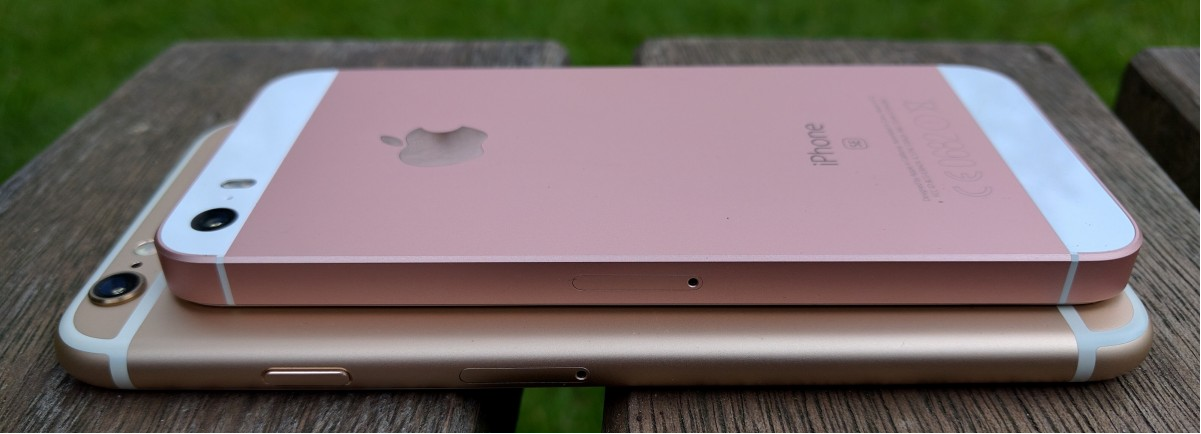
Personally I’d argue the move is a mistake – even if only to tweak the iPhone SE range to include functionality like 3D Touch (to encourage developer support) and the hardier fixed home button introduced with the iPhone 7 and iPhone 7 Plus.
Kuo rarely gets things wrong, particularly with iPhones. Notably in the last 18 months he has nailed every major iPhone 7 feature,every major iPhone 6S feature and the introduction of the original iPhone SE – including its lower pricing). But let’s hope, just once, he has got this one wrong…
Source: Forbes










