 NEWS
NEWS
Siri Co-founder, A Chicagoan, Faces Same Cancer As Steve Jobs
 01/14/2017
 2533
2533
A chicago-area entrepreneur who helped create Siri is recovering from the same disease that claimed Steve Jobs.
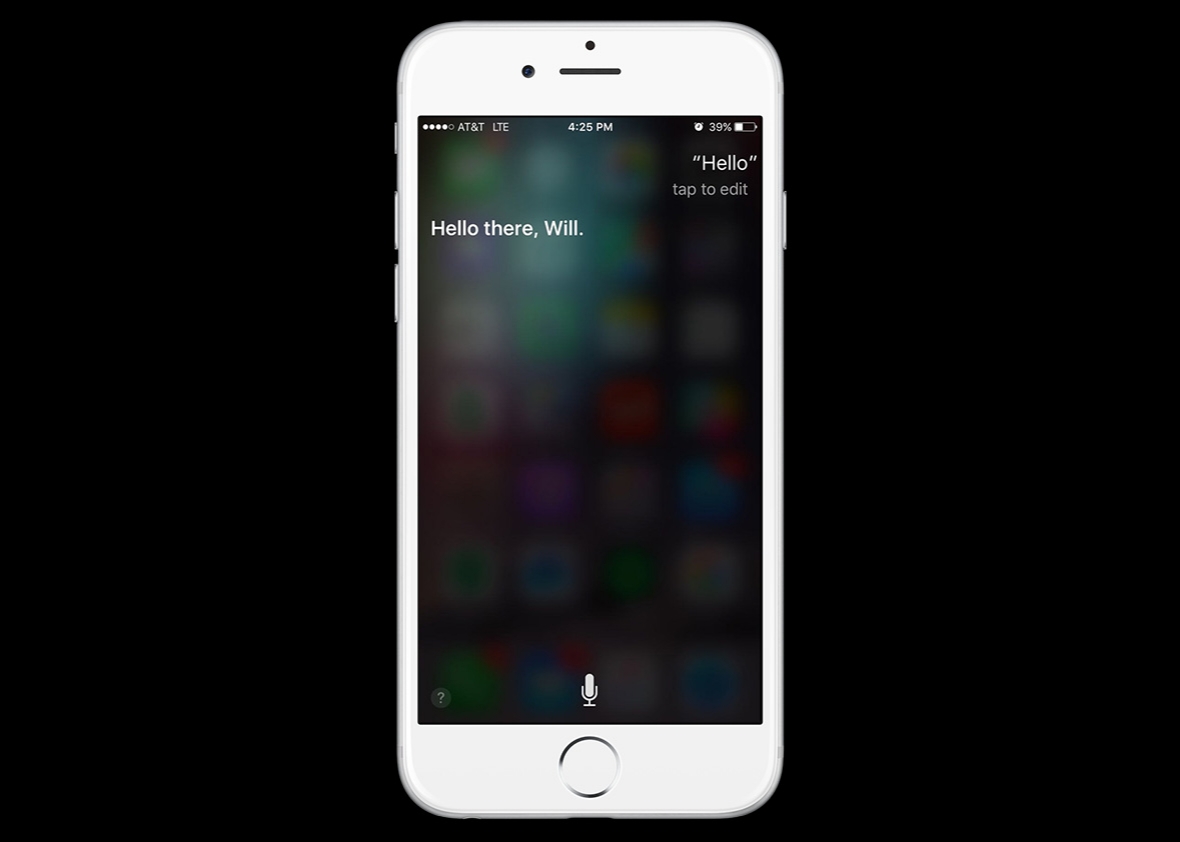
Dag Kittlaus ⇒, who sold artificial intelligence platform Viv to Samsung last fall, told Re/code that he found out during a routine doctor's visit in November that there was a large, lemon-sized tumor growing on his pancreas. He co-founded and sold Siri to Apple in 2007.
It was the same type of cancer that took the Apple co-founder's life in 2011, Kittlaus told Blue Sky in an interview Thursday. "The minute I heard 'pancreatic cancer,' I thought of Steve, because I worked right alongside him up until the time he died and I watched him deteriorate," said Kittlaus, 49. "That was scary to think about."
The type of cancer that afflicted Jobs and Kittlaus, neuroendocrine cancer of the pancreas, accounts for 5 percent of all pancreatic tumors and tends to grow more slowly than other common types, according to the Pancreatic Cancer Action Network. A National Cancer Institute study found the five-year survival rate to be 42 percent, much higher than the survival rate for all types of pancreatic cancer overall.
Kittlaus said doctors gave him a 1.5 percent chance of survival, considering all the factors. The day after he learned his diagnosis, surgeons at the University of Colorado removed his spleen, gallbladder and 40 percent of his pancreas.
He said some of the members of the medical team had worked with Jobs during his illness, and that one of the nurses who cared for him was named Siri. He described those coincidences as "strange parallels."
Since the surgery, Kittlaus' odds have improved. He said doctors believe they removed all of the cancer, but that they will continue to monitor him.
Kittlaus, who splits his time between the Chicago suburbs and the Denver area, said he took medical leave of almost two months before recently returning to work. He commutes to Samsung's offices in California, but said plane travel is still uncomfortable for him, as the incision from the surgery is not yet fully healed.
He said he no longer saves the best wine for special occasions — dinner with good friends will do — and that he's more aware of his nutrition and spending time carefully. His family is a priority, but he said he continues to get fulfillment from work.
"Work for me is about doing things that I'm interested and passionate about and want to do no matter what my health is like," he said.
He told Re/code that he learned "tomorrow is promised to no one."
Source: chicagotribune










