 NEWS
NEWS
Woman Catches Her Husband Cheating Using the 'Find My iPhone' App
 02/13/2017
 3169
3169
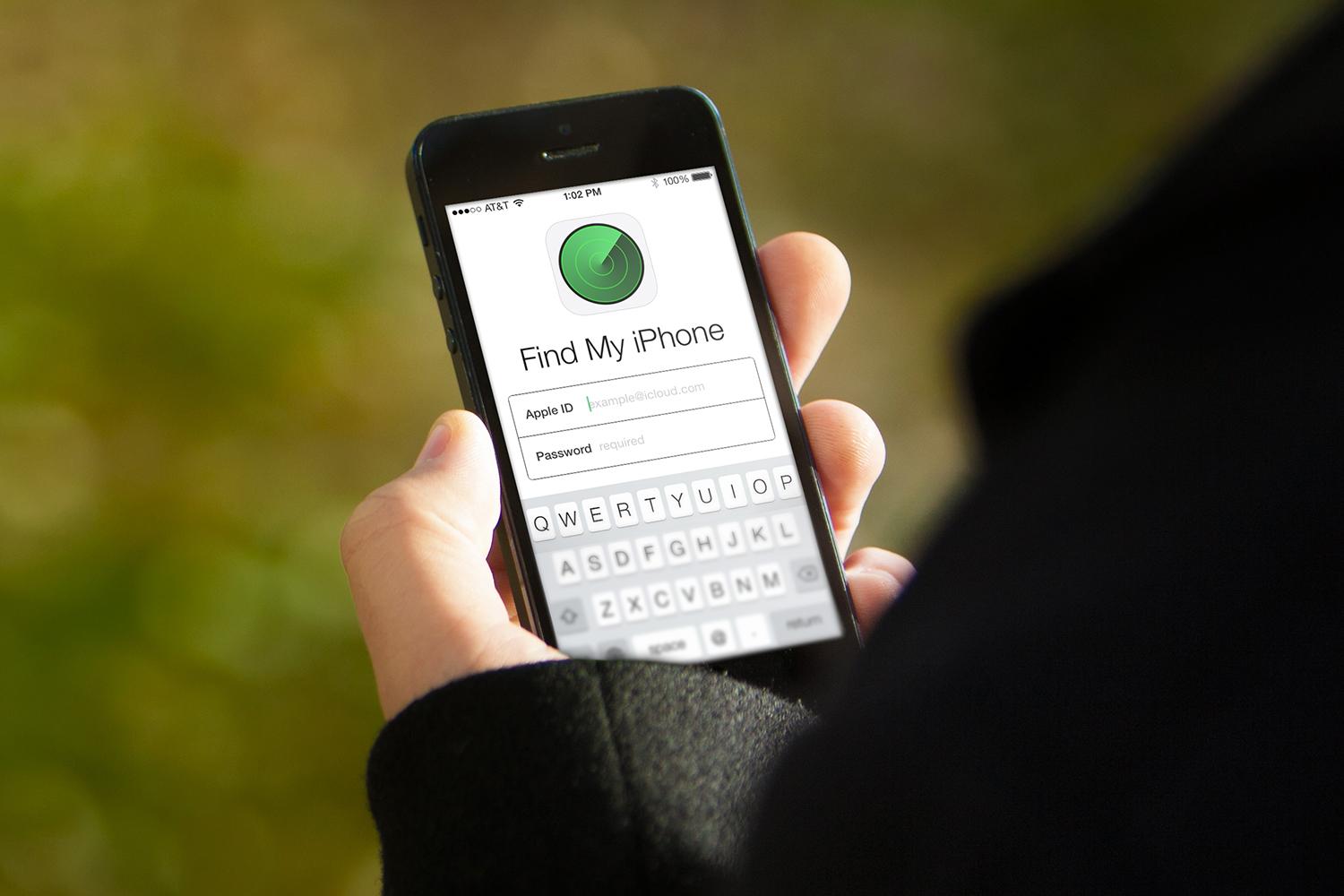
An unidentified man from Moseley, Birmingham may want to go through his settings and turning off his GPS location tracking after his soon-to-be ex-wife said she used the technology to catch him cheating. Khadijah Bilal credits her intuition, the Find My iPhone app, and the £190 she gave a private detective with helping her prove her husband was having an affair.
"I had to prove to myself, to my family and to his family what he was doing," Bilal said. "I also had to have it confirmed for myself, for my own sanity."
The man in question reportedly had a broken phone. Instead of purchasing a new one, he allegedly used Bilal’s old iPhone, which was still connected to the Find My iPhone app. Bilal says her husband was growing increasingly restless at home and frequently claiming to be making trips to the gym after she gave birth to their second child. His alleged refusal to spend Christmas at home was also a dead giveaway.
Confirmation came in the form of Bilal logging on the Find My iPhone app and tracking her husband’s movements for a month. She said found her husband creeping to the same address multiple times with his mistress and paid the private detective to confirm her suspicions. The location her husband and the woman met was reportedly just 19 miles away from Bilal's residence. Once it was established the alleged gym trips were really visits to another woman, Bilal confronted her husband in public.
Advances in modern dating helped ignite the relationship that was ultimately done in by infidelity and some fairly basic GPS technology.
“The former couple met five years ago at a Muslim speed dating event and married in 2013, before having son Hashim, now three."
Source: complex










