NEWS

Dutch Court Rules Apple Can’t Replace Broken iPads With Refurbished Models

04/26/2017

2490

A Dutch judge has ruled that Apple can’t use refurbished iPads to replace broken ones covered by its AppleCare warranty. While Apple’s terms of service explicitly state that the company can use refurbished units as replacements, the judge ruled that Apple can only issue refurbished replacements to customers who initially purchased a refurbished unit. “If a plaintiff had purchased a refurbished or replacement iPad, Apple may replace it with a refurbished or replacement copy,” the judge said. “But if the consumer, as in this case, purchased a new iPad, She is entitled to a new iPad as a replacement.”
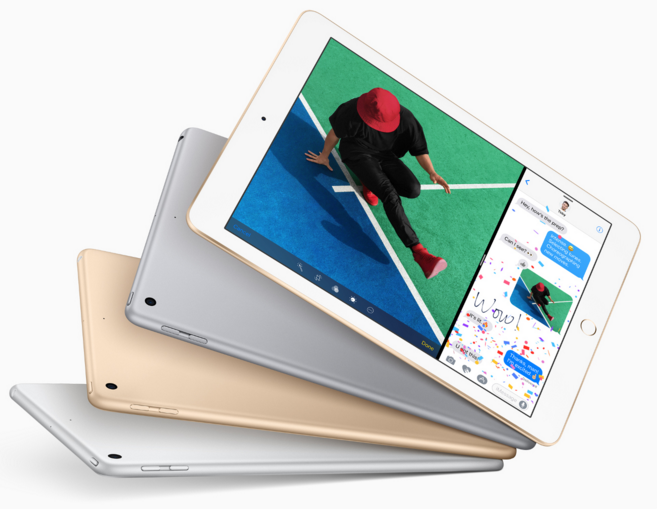

Dutch Court Rules Apple Can’t Replace Broken iPads With Refurbished Models


Apple faced a similar complaint last July in California, where a class action lawsuit was filed arguing that refurbished replacements for devices bought new don’t live up to the company’s pledge to deliver replacements “equivalent to new in performance and reliability” after a refusbished replacement also failed to work properly. The company recently began offering superior iPad Air 2 models to customers eligible for a replacement of their fourth-generation iPads, with reports claiming Apple is running low on stock of the discontinued model.


Source: ilounge

Windows
Mac OS
iOS
Linux
3uTools
Win 64-bit For this device
V6.0.1 2024-12-18
Download
Win 32-bit For this device
V6.0.1 2024-12-18
Download
3uTools
Intel Chip How to Identify Chip Type
V6.0.1 2024-12-18
Download
Apple Silicon
V6.0.1 2024-12-18
Download
How to Identify Chip Type
1.  Click the Apple icon in the top-left corner of the screen and select About This Mac.
2.  Check the Processor or Chip field to determine if it is "Intel" or "Apple".
Please use the 3uTools PC client to install the iOS client:
1、 Install either the Windows or Mac version of 3uTools on your computer
2、 Open the PC client and connect your device to the computer via USB cable
3、 After the connection is successful, wait for the computer to automatically install the mobile app for the device, or locate “Install Mobile App” on the computer and manually click to install.
3uTools
deb file
V6.0.1 2024-12-18
Download
rpm file
V6.0.1 2024-12-18
Download
Windows
Windows
iOS
iOS
Android
Android
TV
TV
3uAirPlayer
Win 64-bit For this device
V6.0.1 2024-12-18
Download
Win 32-bit For this device
V6.0.1 2024-12-18
Download
iOS Device Mirroring (No App Required)
1、 Install 3uAirPlayer on the Windows PC
2、 Open Control Center and select Screen Mirroring
3、 From the list, choose your PC to start mirroring
4、 Or connect your iOS device to the PC via USB to begin mirroring
Scan to get "3uAirPlayer" App
3uAirPlayer TV V6.0.1
2024-12-18
TV System Requirements: Android 7.0 or later
Download the TV installation package, copy it to a USB drive, insert it into your TV or set-top box, then select the file from the home screen to install.




