 NEWS
NEWS
Man who Murdered Wife to Begin New Life with his Boyfriend Caught by iPhone Health App
 12/06/2018
 2443
2443
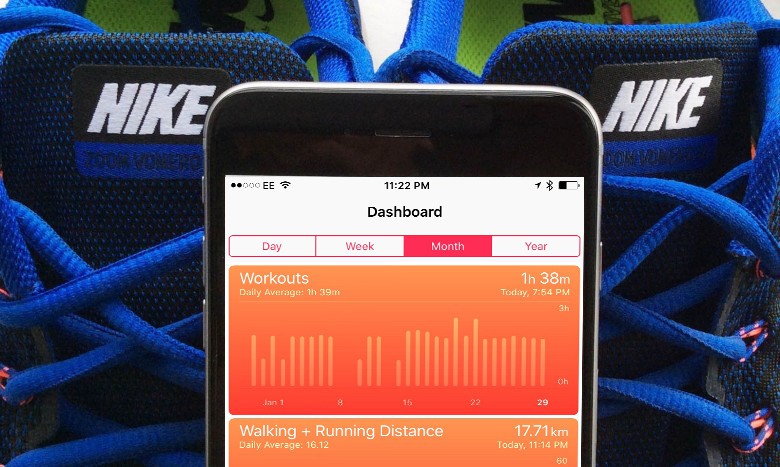
A UK pharmacist’s attempt to collect more than $2.5 million in life insurance after murdering his wife was thwarted by Apple’s Health app for iOS.
Mitesh Patel strangled his wife, Jessica after five years of planning her murder, according to police. He attempted to make the entire murder look like a break in, but when authorities accessed the Health app on his iPhone and the one on his wife’s iPhone, the data told a completely different story
Police report that Patel, 37, spent five years planning the murder of his wife Jessica Patel. Patel allegedly planned to run away to Australia with his secret gay lover to start a new life using the insurance money and Jessica’s frozen embryos to start a family.
During his sentencing, it was revealed that Patel used a plastic bag to strangle his wife. He then frantically ran around the house trashing it to make it look like a break in. The Health app on the iPhones tracked the entire thing without Patel being any the wiser.
“In the minutes that followed Jessica’s death, Patel’s phone monitored frantic activity, racing around the house as he staged the burglary and running up and down the stairs,” reports the Guardian. “Jessica’s health app remained still until after her death when it recorded a movement of 14 paces as her husband took the iPhone from her body and deposited it outside to make it look as though the ‘burglar’ had dropped it as he left.”
Patel injected his wife with insulin before the murder to subdue her. Search history on his devices found he had been looking up the effects of insulin and strangulation methods.
Prosecutors say he was trying to escape his strict Hindu upbringing and runaway. The UK court sentenced Patel to 30 years in jail.
Source: cult of mac










