 NEWS
NEWS
iMac 2016 Specs, Features & Update
 11/16/2016
 3239
3239
The iMac 2016 will carve Apple's name so deep in the creative PC market once again. The yet-to-be-released sophistication will reportedly sport a 5K resolution display and Intel's Kaby Lake processors. With news like these already circulating, it is a guarantee that a huge amount of people will be seen camping out within Apple's grounds soon.
To recall, the tech behemoth caused quite a stir upon the news of the Thunderbolt Display coming to an end. Another curiosity is news of Apple co-creating LG's 27-inch UltraFine 5K monitor. Whatever Apple is doing triggers a lot of questions; what's sure though is that an in-house replacement - the iMac 2016 - is on its way, and it will arrive in 5K.
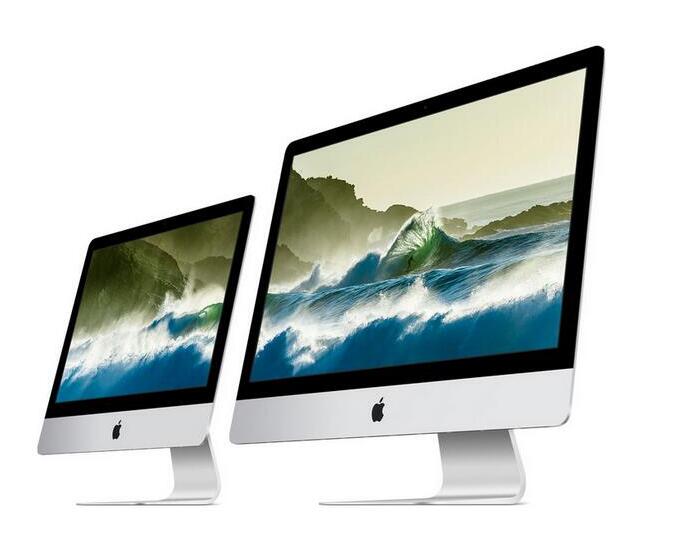
The iMac 2016 already made the rumor mill some time in Fall, but September came and only the iPhone 7 range and the Apple Watch Series 2 were unveiled. The new line of MacBooks arrived in October and up until now, no iMac is in sight. If this is some sort of sorcery in Apple's marketing, it's working.
Meanwhile, what's previously dubbed as the iMac 2016 is now called the iMac 2017. Given that Intel decided to release the Kaby Lake chips next year, there might be a good reason to wait for the new iMac until New Year sets in. Also, the delay on the iMac's release is purportedly associated with Intel's brand spanking new processors.
Whatever the cause for the delay is, Apple is undeniably up on the pedestal at this point. Sure, criticisms will always make its rounds but the company has already proven its worth, which cannot be tainted by news of delay whatsoever. With the iMac 2016 (or 2017) on its way, the competition amongst the tech giants might be soon over.
Source:gamenguide










