 NEWS
NEWS
Lifeproof's iPhone 7 and 7 Plus Cases Shipping soon
 11/17/2016
 2574
2574
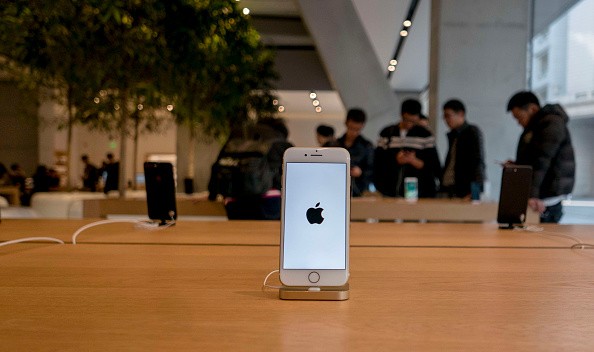
With the release of iPhone 7 and iPhone 7 plus the Cupertino based tech giant Apple has once again defined the true invention of modern technology. These iPhones are perfectly crafted with the best quality aluminium.
Even the iPhones are beautifully re-engineered to make the entire enclosure so perfect that they are unique water resistant iPhones ever.
So with the best-ever innovative technology, Apple's iPhone 7 and 7 Plus don't necessarily need any extra layer of protection with the waterproof cases.
But once again with the new uniquely designed cases for complete protection to the iPhone 7 and 7 Plus, Lifeproof is ready to create a new history of next generation technology.
The famous name Lifeproof is now belonging under the umbrella of the OtterBox, which already has set a milestone in this arena.
Lifeproof's new cases are ready to provide a "360-degree protection" to the iPhone 7 and iPhone 7 Plus. Even the user can avail a quality screen protector with this unique case.
These cases are yet to reach the customers, as the date set for shipment is 11 th November 2016. The preorder criterion has unveiled different colors of the cases. The price tags of these cases are also different. For the iPhone 7 it is USD 90, and for the iPhone 7 Plus it is USD 100.
The prices of these cases are high compared to the earlier cases of the previous iPhone models. Even last year the beginning price tag was USD 80.
One key feature of the new iPhone 7 and 7 plus is both the devices are devoid of any headphone port. And this makes them more safe with no gasket is now needed to protect the headphone port. Lifeproof's new cases are also crafted accordingly.
The new cases are designed with some unique development and it is time to see how the cases can allow the iPhone to deliver its activities to the users.
it's also important to see whenever the new cases can produce the same vibrancy as the smartphone in use, as well as its sound quality.
Source:enstars










