NEWS

Apple Replacing Batteries on Certain iPhone 6s Units

11/22/2016

2243

It seems that Apple is the next big company to face the recall bells as it recently announced a battery replacement program for iPhone 6s owners who were affected by unexpected shutdowns.


This comes right after the tech giant addressed the "touch disease" issue on certain iPhone 6 and 6 Plus devices where the touchscreen was unresponsive.


According to Apple, the battery related issue affects iPhone 6s devices that were made between the period of September and October last year. The company also said that the issue impacts a very small number of units. The faulty battery is apparently making the handset shutdown on its own.
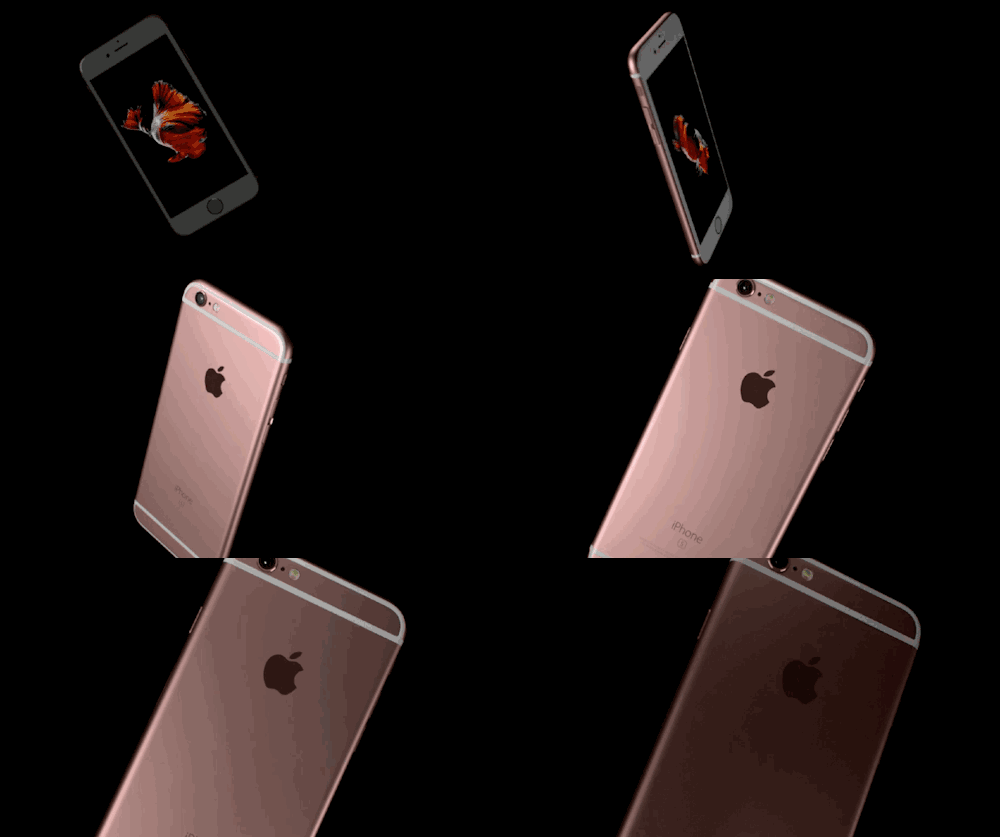

Apple Replacing Batteries on Certain iPhone 6s Units


Under the replacement program, owners of affected devices can directly visit their nearest Apple Store and get the serial number of their devices checked. The serial number should identify if the unit is a part of the faulty malfunctioning batch for which the owners can get a free battery replacement. Apple has further confirmed that the battery problem does not affect the safety of the handset like in the case of Samung Galaxy Note 7. In short, if your phone is affected, it won’t blow up.


We haven’t heard of a recall information in India, but we will keep you updated if there is any. In the mean time if any of you are facing the issue, do let us know in the comments section.


Source:firstpost


Windows
Mac OS
iOS
Linux
3uTools
Win 64-bit For this device
V6.0.1 2024-12-18
Download
Win 32-bit For this device
V6.0.1 2024-12-18
Download
3uTools
Intel Chip How to Identify Chip Type
V6.0.1 2024-12-18
Download
Apple Silicon
V6.0.1 2024-12-18
Download
How to Identify Chip Type
1.  Click the Apple icon in the top-left corner of the screen and select About This Mac.
2.  Check the Processor or Chip field to determine if it is "Intel" or "Apple".
Please use the 3uTools PC client to install the iOS client:
1、 Install either the Windows or Mac version of 3uTools on your computer
2、 Open the PC client and connect your device to the computer via USB cable
3、 After the connection is successful, wait for the computer to automatically install the mobile app for the device, or locate “Install Mobile App” on the computer and manually click to install.
3uTools
deb file
V6.0.1 2024-12-18
Download
rpm file
V6.0.1 2024-12-18
Download
Windows
Windows
iOS
iOS
Android
Android
TV
TV
3uAirPlayer
Win 64-bit For this device
V6.0.1 2024-12-18
Download
Win 32-bit For this device
V6.0.1 2024-12-18
Download
iOS Device Mirroring (No App Required)
1、 Install 3uAirPlayer on the Windows PC
2、 Open Control Center and select Screen Mirroring
3、 From the list, choose your PC to start mirroring
4、 Or connect your iOS device to the PC via USB to begin mirroring
Scan to get "3uAirPlayer" App
3uAirPlayer TV V6.0.1
2024-12-18
TV System Requirements: Android 7.0 or later
Download the TV installation package, copy it to a USB drive, insert it into your TV or set-top box, then select the file from the home screen to install.




