


-

How to Hide Photos on Your Unjailbroken iPhone?
If you want to hide some of your photos on your iPhone, but you don’t want to jailbreak your device, what should you do?
 12/02/2016
 3597
3597
-

Apple to Fix "Touch Disease" Flaw For iPhone 6 Plus
The significant flaw in touchscreens can be triggered when devices are dropped multiple times, Apple claimed
12/02/2016
3687
-

How to Boost Performance on Your Older iPhone or iPad?
Every year, Apple comes out with new iPhones and iPads and a new version of iOS. While it’s a good idea to stay current on software, few can afford to buy new hardware every year, or even every few years. If your iPhone or iPad is showing its age, try these tricks to performance better.
12/01/2016
4407
-

How to Prevent Apps From Being Deleted?
Did you suffered problems of your Apps being deleted on you iPhone by accident as below shaking icons? Today 3uTools helps you to change the default settings if you want to avoid this problem happended again.
10/25/2017
3577
-
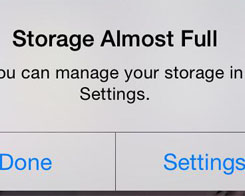
How to Free up Storage Space on iPhone Without Deleting Photos or Apps
This trick helps you free up storage space on iPhone without deleting photos or apps.
07/21/2017
4709
-
How to Download Apps Without Apple ID & Password?
This tutorial aims to introduce how to download Apps without Apple ID & Password.
07/21/2017
44030
-
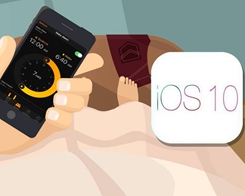
How to Manage Your Bedtime Settings in iOS 10?
Bedtime lets you set your desired wake up time earlier in the day, then sets a reminder to alert you at what point you should go to sleep. Here's how it works!
12/05/2016
3210
-
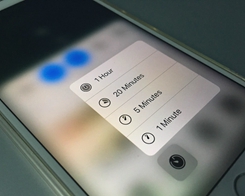
How to Quickly Set a Timer on Your iPhone in iOS 10?
If you’re using an iPhone 6s, iPhone 6s Plus or the newer iPhones that support 3D Touch, you can set a timer using this shortcut.Here’s how.
07/21/2017
4240
-
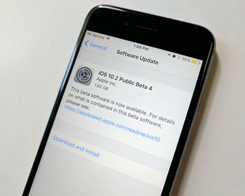
iOS 10.2 Beta 4 Download Now Available in 3uTools
iOS 10.2 will be released to everyone in the future, and a free public beta program is available for non-developers. Release notes and version numbers for the latest builds have been published, but you can download in 3uTools shortly.
04/02/2018
4608
-
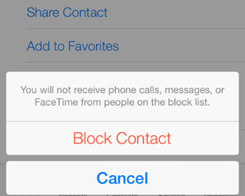
How to Block a Phone Number in iOS 10
in iOS 9, blocking a contact from the Messages app was pretty simple. All you had to do was tap on the person’s name or number and choose the “Block this number” option. But in iOS 10, that option is gone.
02/06/2017
3560
-

How to Stop Mac from Automatically Downloading Updates?
You may have noticed that your Mac is automatically downloading macOS Sierra updates.
07/21/2017
4775
-
How to Hide Apps Name on iPhone Screen?
Want to hide an app or two from appearing on the iOS home screen?
07/21/2017
4799

